FROM SITE TO CHECKOUT.
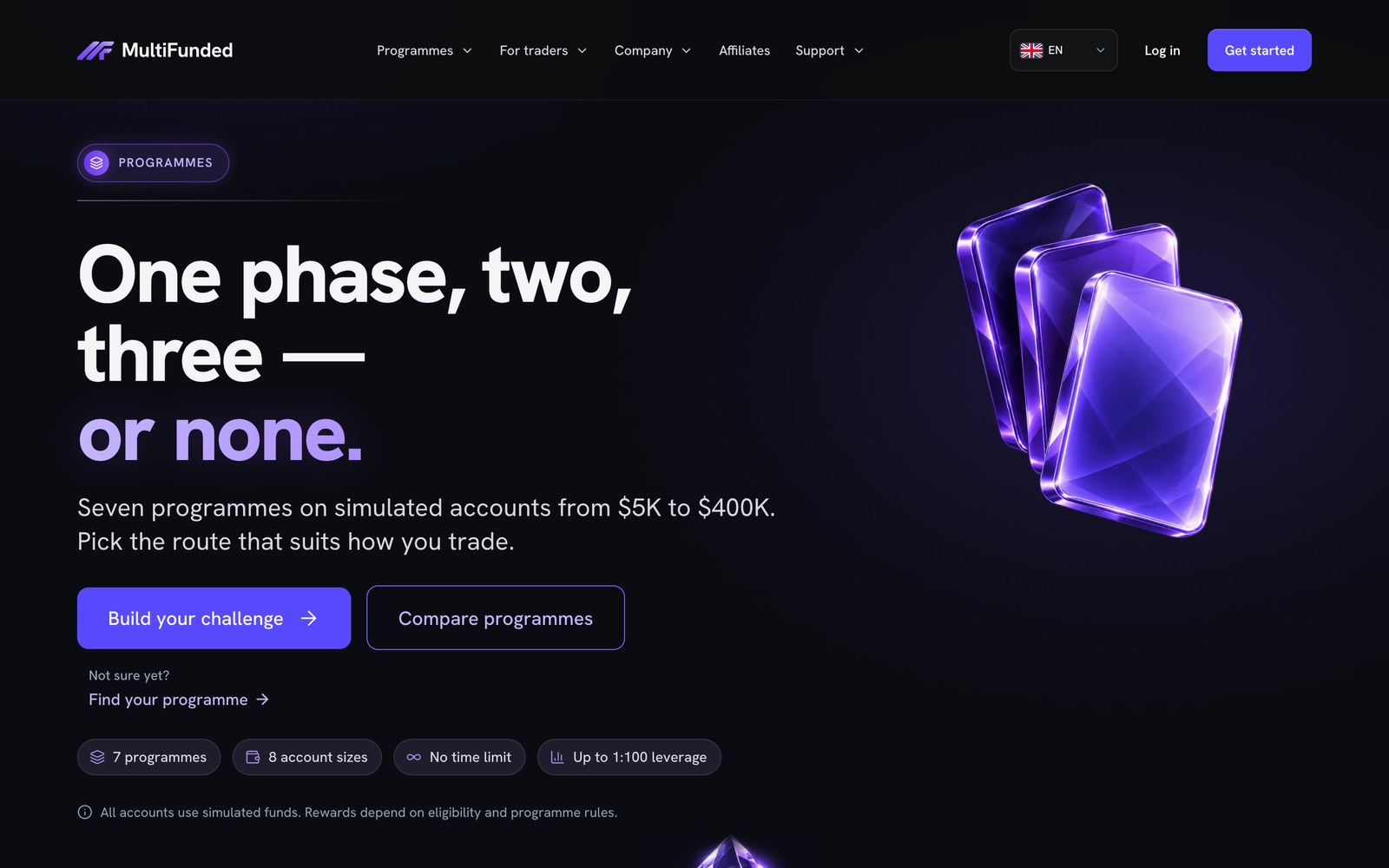
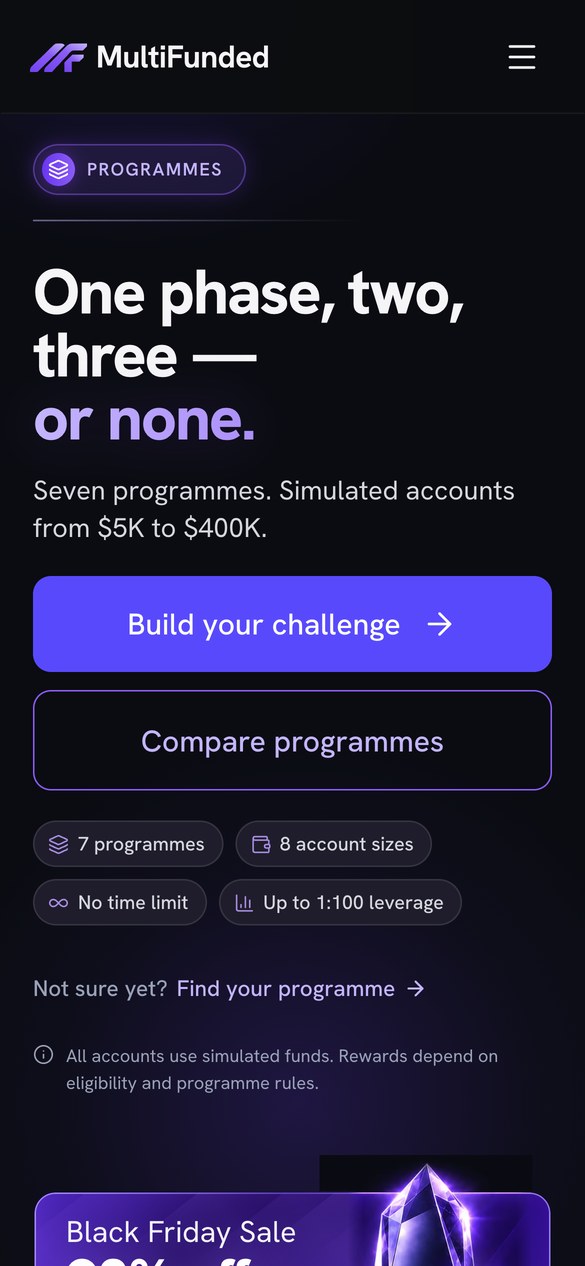
Our team built MultiFunded’s 46-page Next.js site. This walkthrough follows programme, simulated account size and discount from the buy button into checkout and shows where to check for mismatches.
BUY BUTTON CARRIES
ClientMultiFunded
Pages46
Built onNext.js
CheckoutPre-filled
THREE VALUES.
ONE CLICK.
A trader picks a challenge on the site and lands in checkout with it already filled in. The buy link carries three values, so nothing gets picked twice.
PROGRAMME
ACCOUNT SIZE simulated
CODE
- ProgrammeTwo-Step
- Account size$100,000 simulated
- Promo codeDEMO10
PriceUSD 120.00
DEMO10− USD 12.00
TotalUSD 108.00
The challenge the trader picked on the site.
The simulated account size that goes with that challenge.
The offer in the buy link, when a promotion is running.
WHAT TO CHECK
BEFORE LAUNCH.
Start from what the trader saw before the click. Checkout has to show the same thing, down to the currency and the fees.
Verify the same handoff from a campaign link and from the regular buy button.
THEN BREAK IT, IN A TEST ENVIRONMENT
Checkout says why the code no longer applies and shows the real total before payment.
Checkout explains it and gives a clear way to pick one that is still on sale.
The link brings the trader’s pick back, or says plainly why it can’t.
NOW CHECK IT
ON A PHONE.
Use a narrow screen, and a real phone if you have one. The whole path has to work with one thumb.
YOUR ORDER
Two-Step$100K simulated
DEMO10 applied
- 1Change the account size
The price on the page changes with it.
- 2Tap the buy button
Checkout opens with that size and that price.
- 3Read the summary
The pick and the total are readable, the next button is in reach, and nothing scrolls sideways.
- 4Go back and pick again
Checkout gets the new values, not the old ones.
GET THE CHECKOUT
QA CHECKLIST.
Download the sample test matrix. Record the original offer, checkout result and evidence, and assign mismatches before you approve a release.
11 TESTS, ONE FILE.
- 1Import it into Google Sheets or Excel.
- 2Swap in your own test catalogue and sandbox checkout.
- 3For each row, record the result, the status and the evidence.
A reusable template with example values for a sample firm. The case study above describes the live MultiFunded build.
LET’S LOOK AT
YOUR CHECKOUT.
Bring one programme and its checkout link. We look at what the trader picks on the site, what lands in checkout and what to test before launch.
WORTH YOUR TIME IF
- You run a prop firm, or you are about to launch one
- Your site, ads, search or email is not selling as it should
- You want one team instead of four freelancers
- You can share your numbers on the call